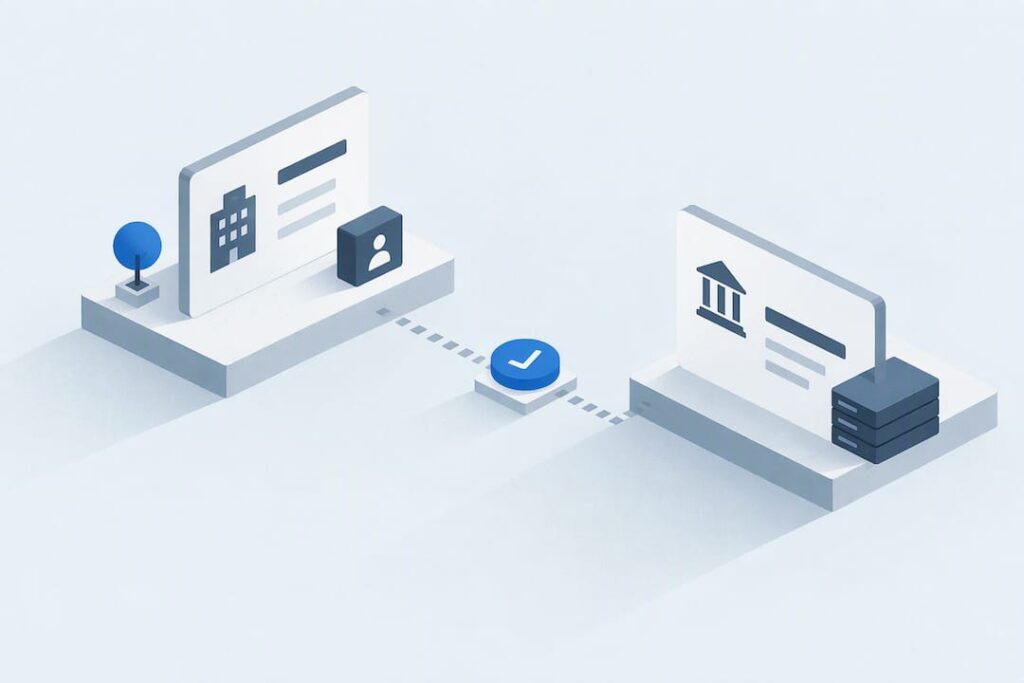
First, check your supplier’s NIP (tax identification number) and bank account number using the search tool on podatki.gov.pl. If you’re making a large transfer backed by an invoice, make sure the account appears on the list on the day you submit the transfer instruction, not the day before or after. A missing entry does not necessarily mean fraud, but you need extra evidence: confirmation from the bank or a record of a data update in CEIDG (Central Register and Information on Business Activity).
In brief:
- Paying into an account that is not listed on the day you submit the transfer instruction may leave you jointly and severally liable for your supplier’s tax arrears.
- Check your supplier using the search tool on podatki.gov.pl, set the date to the planned transfer date, and save evidence.
- The list contains basic company details, registered business accounts, and VAT status, but does not assess financial reliability or show debts.
- A supplier’s absence from the list does not mean fraud. It may result from a delayed data update or an error, which requires further confirmation.
- For transactions over PLN 15,000 paid into a confirmed account, keep evidence to avoid penalties and tax liability.
Contents
- How to check a supplier on the whitelist, step by step
- What the whitelist contains: fields, statuses, and data limitations
- Risks and penalties for paying into an unlisted account
- What to do if an account is missing from the list
- Technical tools: flat file, API, and bulk verification
- Akwadrat’s perspective: what we actually check before a client’s transfer
- Editor’s view: why entrepreneurs still confuse checking with protection
- Sources
- Frequently asked questions
How to check a supplier on the whitelist, step by step
The check takes less time than making a cup of coffee, provided you know where to click. The whole process uses one government tool and a few fields to fill in.
- Open the VAT taxpayer list search tool on podatki.gov.pl.
- Enter your supplier’s NIP, or part of the company name if you don’t know the NIP.
- Add the bank account number shown on the invoice that you intend to pay into.
- Set the verification date to the day you plan to submit the transfer instruction, not the invoice date.
- Check the result: the system will show whether the account was registered and confirmed on that day.
- Save evidence. A screenshot with the date visible or a generated PDF is sufficient protection in the event of an audit.
The list lets you check a supplier’s past status for up to five years preceding the year of verification. This matters if you’re posting an invoice late or settling a dispute with a supplier from months ago. The search result immediately shows the status as “active,” “exempt,” or “unregistered.” If your supplier was an active VAT payer on the invoice date but later lost that status, the recorded verification date determines whether you can rely on your check before the Tax Office (Urząd Skarbowy).
What the whitelist contains: fields, statuses, and data limitations
The list brings together data from several tax registers, but it does not give a definitive answer about a supplier’s financial health. You need to understand what the search results actually tell you.
- NIP, the entity’s full name, and REGON, if the business has one.
- Business account numbers registered and confirmed in the STIR system.
- VAT registration status: active, exempt, or unregistered.
- The date of removal from or reinstatement in the register, along with the legal basis for that decision.
- Registered office address and a history of status changes over the period covered by the list.
The list has limits. It does not assess a supplier’s commercial reliability, show their debts, or include reviews from other businesses. You won’t find personal accounts there either, because the register only includes accounts registered for business use. If a supplier asks you to pay into a personal account, that is a warning sign in itself, regardless of what the search tool shows.
Risks and penalties for paying into an unlisted account
Paying into an unlisted account exposes you to more than fraud. It also carries a specific tax penalty introduced by the amendment to the VAT Act of 12 April 2019.
Warning: the most common mistake we see among Akwadrat clients is paying into the account shown on an invoice without checking it against the list that same day. The account number on the invoice may be genuine but out of date, or it may not belong to the invoice issuer at all.
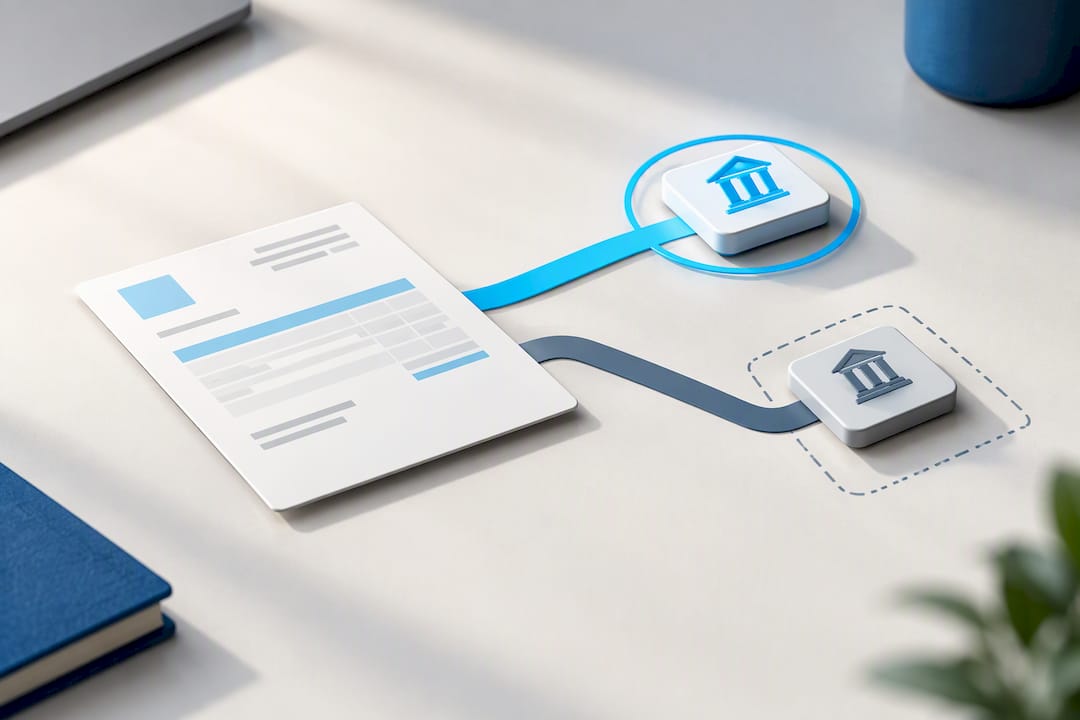
The joint and several liability mechanism is based on Article 96b of the VAT Act. It applies to transactions above a specified amount, backed by an invoice and paid into an account that is not listed on the day the transfer instruction is submitted. You may become liable for your supplier’s tax arrears up to the VAT amount on that transaction. Check the current threshold and conditions on podatki.gov.pl, as lawmakers regularly clarify the details.
What protects you from this liability:
- Submitting a ZAW-NR notification to the head of the Tax Office responsible for the invoice issuer within the statutory deadline following submission of the transfer instruction.
- Keeping evidence that the account was indeed absent from the list on the day you submitted the transfer instruction (a dated screenshot).
- Keeping a record of correspondence with your supplier about the change of account number.
Submitting ZAW-NR does not exempt you from tax, but it excludes your joint and several liability if you complete the formalities on time.
What to do if an account is missing from the list
A missing entry does not automatically mean your supplier is unreliable. Sometimes the office is simply late updating the data, or the entrepreneur has forgotten to submit it.
- Ask your supplier for written confirmation from their bank that the account belongs to their business.
- Check whether the supplier reported the updated account number on CEIDG-1 (for a sole proprietorship (JDG)) or on the appropriate NIP update form for a company.
- If you have doubts, consider splitting the payment into stages or using an escrow account for larger contracts.
- If you pay into an unlisted account anyway, submit ZAW-NR within the statutory deadline.
Professional tip: Never pay the full advance into a new account notified by email just before the payment deadline. Call your supplier on a number you know from previous correspondence and confirm the change verbally.
Technical tools: flat file, API, and bulk verification
Checking suppliers individually by hand makes sense if you have a few invoices a month. For larger volumes, consider automated tools.
- The flat file contains SHA-512 hashes of NIP–account pairs and is published daily, along with an archive of files from previous days.
- The “Check VAT status” API returns response codes describing the status of a supplier and NIP–account pairs.
- Both tools can be integrated with your accounting system if you handle dozens of transfers a week.
| API response code | Meaning |
|---|---|
| C | Account confirmed on the list for the specified date |
| Z | Account not confirmed for the specified date |
| N | NIP does not exist in the register |
| I | Input data format error |
| D | Duplicate query in the same session |
| X | Technical error on the service side |
In practice, you download the flat file, compare the SHA-512 hashes against the list of accounts in your accounting system, and save the result in your company’s internal records. For a sole proprietorship (JDG) with ten invoices a month, that’s unnecessary work. For a company handling hundreds of transfers, it’s the only way to avoid checking everything manually.
Akwadrat’s perspective: what we actually check before a client’s transfer
One of our clients, a renovation company in Targówek, received an invoice for PLN 20,000 from a new subcontractor. The account number on the invoice differed from the one the subcontractor had provided when they first made contact. We checked the NIP and both account numbers against the list for the planned payment date, called the subcontractor to ask about the account change, and submitted the transfer instruction only after verbal confirmation.
Warning: the most common mistake we see among clients is relying solely on the account number on an invoice without checking it against the list on the day of payment. The date has legal significance; it isn’t just a formality.
Our checklist for every payment over PLN 15,000 is simple: verification date, supplier’s NIP, a screenshot from the list, and, if anything raises doubts, confirmation from the supplier’s bank. If you do your own bookkeeping and want to be sure these records are complete, our accounting services also include taking care of these formalities for you.
Editor’s view: why entrepreneurs still confuse checking with protection
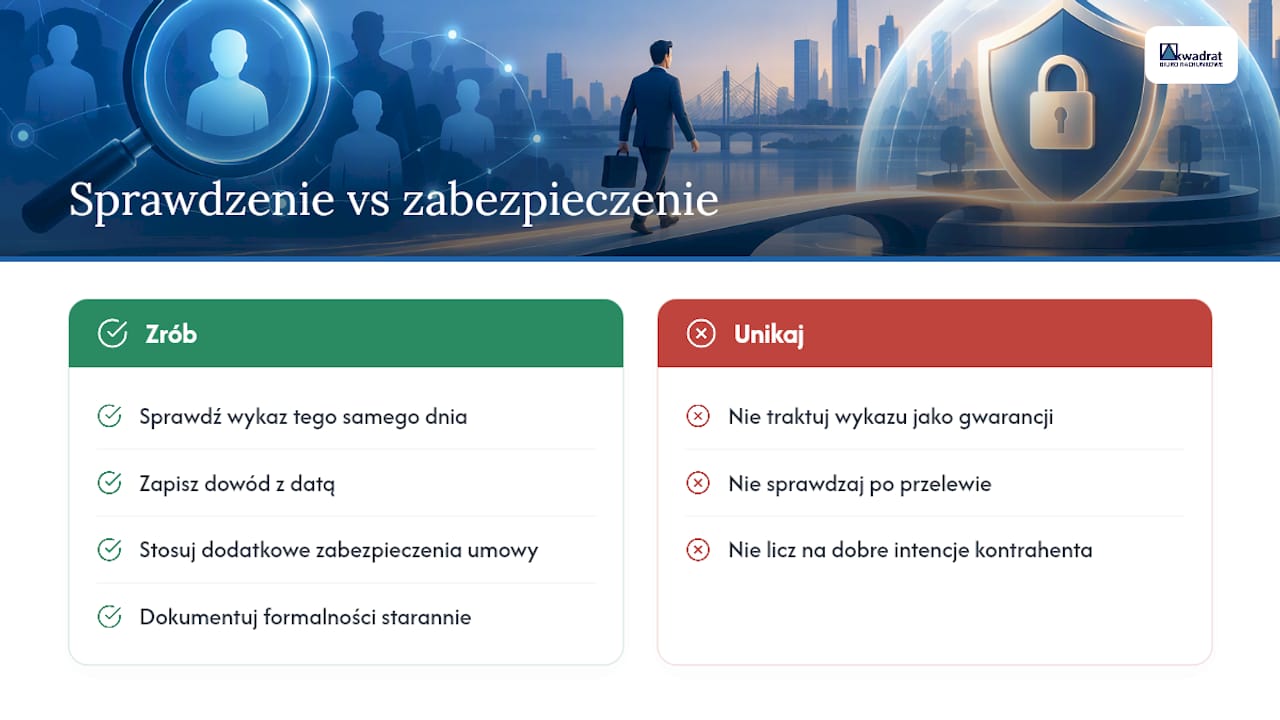
Most entrepreneurs treat checking the list as a box to tick rather than genuine legal protection. This mistake costs the most for those who formally did everything right but saved the evidence carelessly or checked the account the day after the transfer rather than on the same day.
The law does not reward good intentions; it rewards documented action on a specific day. I’ve seen cases where a company did check its supplier against the list but failed to save dated evidence, leaving it with nothing to defend itself during an audit. At the same time, entrepreneurs routinely overestimate what this tool can do. A supplier’s presence on the list says nothing about whether they will deliver the goods or perform the service as agreed. The whitelist protects you against a specific tax penalty, not against dishonest suppliers as a whole. Treating it as a full guarantee that a transaction is safe is the most underestimated pitfall here.
— Agnieszka Kopyłowska
This article is general information, not a substitute for advice from a qualified financial advisor. Consult a qualified financial professional about your own circumstances before acting on anything here.
Sources
Bookmark these four resources: the VAT taxpayer list search tool, the flat file technical specification, the Central Register and Information on Business Activity (CEIDG) for updating business details, and the ZAW-NR notification form. The Ministry of Finance (Ministerstwo Finansów) has announced plans to modernize the list, so check for updates before making a major payment decision.
- Taxes
- VAT taxpayer whitelist: a tool for checking suppliers – Biznes.gov.pl
- Analysis of the tax consequences of payments into bank accounts outside the VAT taxpayer list
Frequently asked questions
How do I check whether a supplier is on the whitelist?
Open the VAT taxpayer list search tool on podatki.gov.pl and enter your supplier’s NIP and the account number from the invoice. Set the verification date to your planned transfer date and save the result as evidence.
Who does the taxpayer whitelist apply to?
The whitelist applies to every entrepreneur making business payments to other businesses, regardless of their legal structure. It matters particularly for transactions backed by an invoice exceeding PLN 15,000, where joint and several liability under Article 96b of the VAT Act comes into play.
When must I pay into a whitelisted account?
The account should appear on the list on the day you submit the transfer instruction if the transaction is backed by an invoice and exceeds PLN 15,000. An account’s presence in the register before or after that date does not protect you from the tax consequences of that particular payment.
What if a taxpayer is not on the whitelist?
Ask your supplier for written confirmation from their bank that the account belongs to their business, and check whether they have submitted updated details to CEIDG. If you pay into an unlisted account anyway, submit a ZAW-NR notification within 7 days to exclude joint and several liability.